Mobile PWA
The mobile app is a Progressive Web App (PWA) that connects to Kaisho Cloud for time tracking on the go.
Access
Open your Kaisho Cloud URL in a mobile browser. Add to home screen for a native-app experience.
Panels
The PWA has six panels accessible from the bottom tab bar.
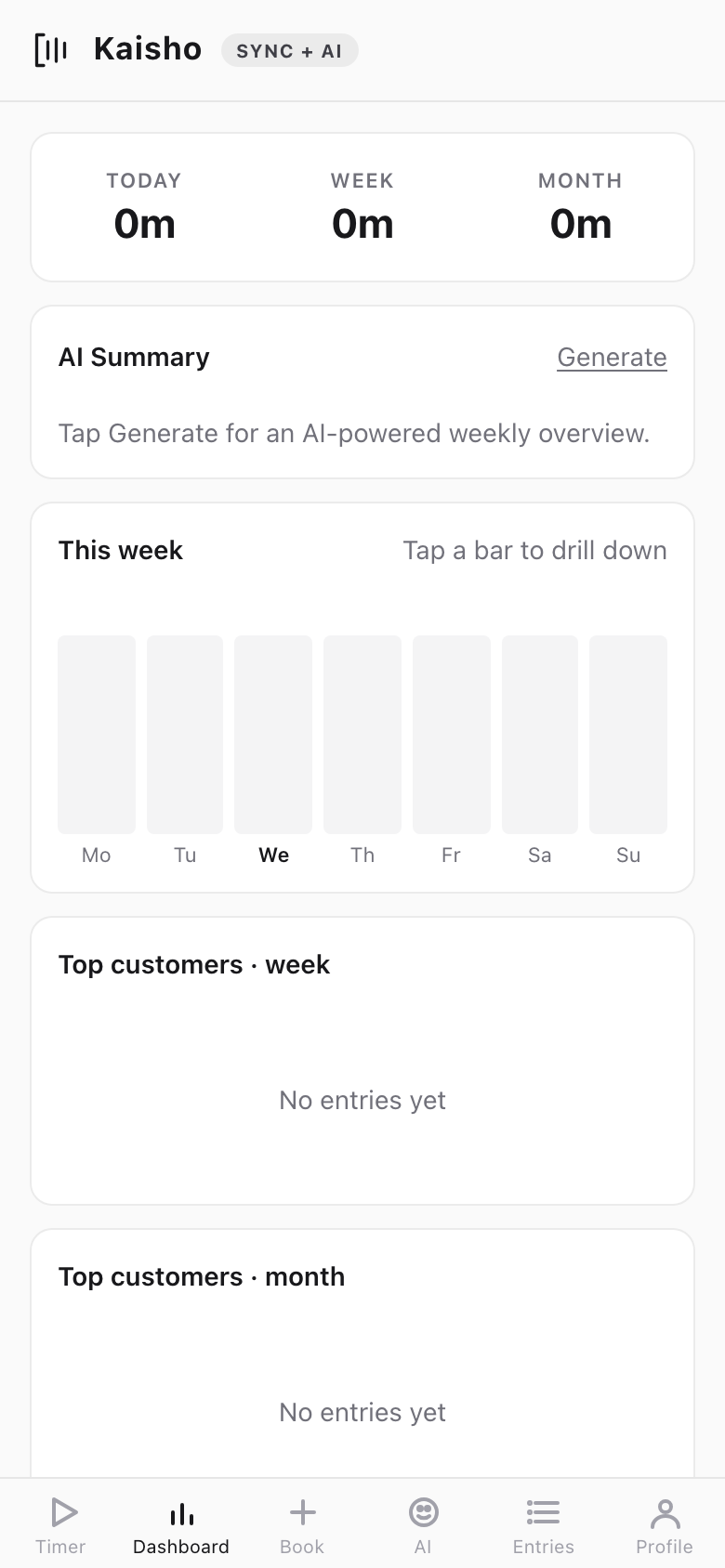
Dashboard
Hours tracked today, this week, and this month. Weekly bar chart, top customers, and an AI-powered summary you can generate on tap.
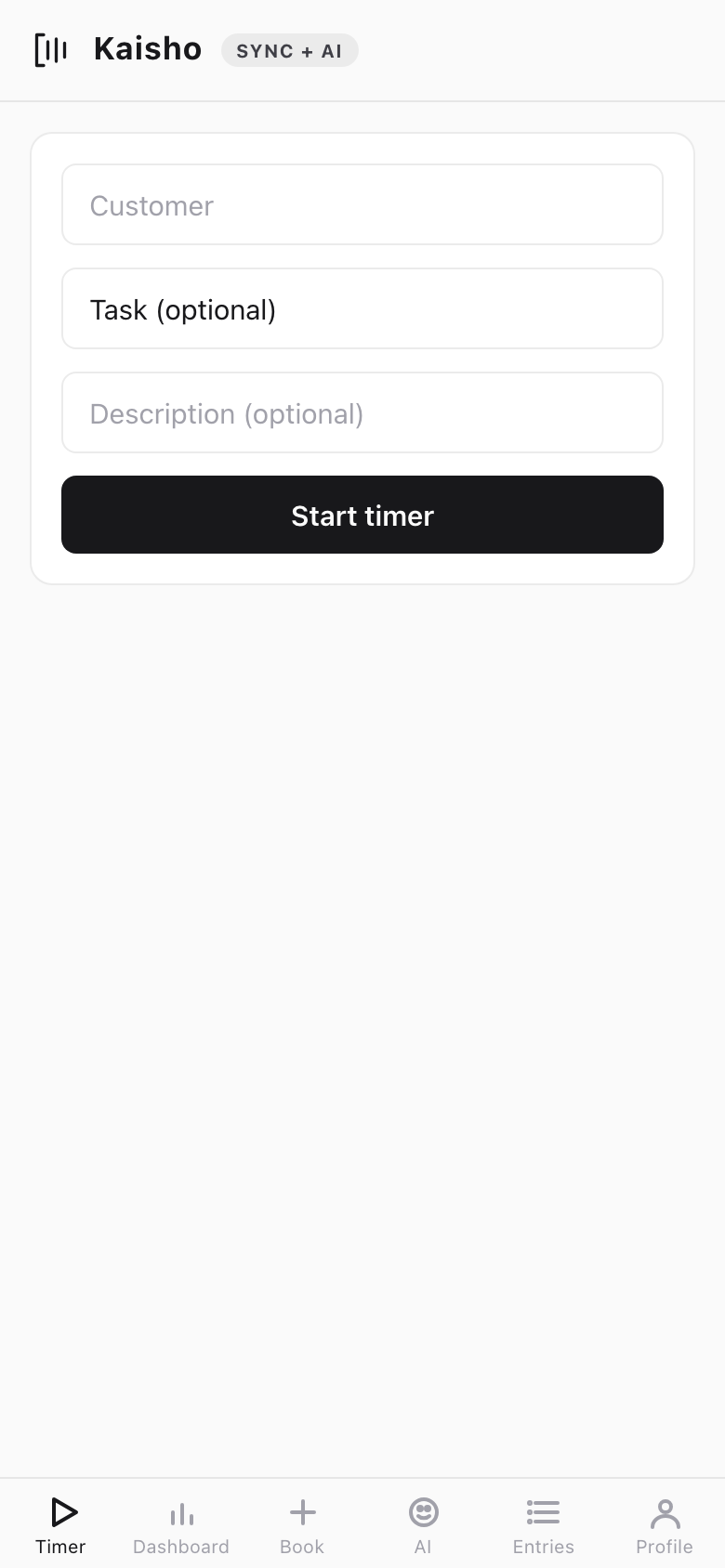
Timer
Start and stop timers with customer, task, and description fields.
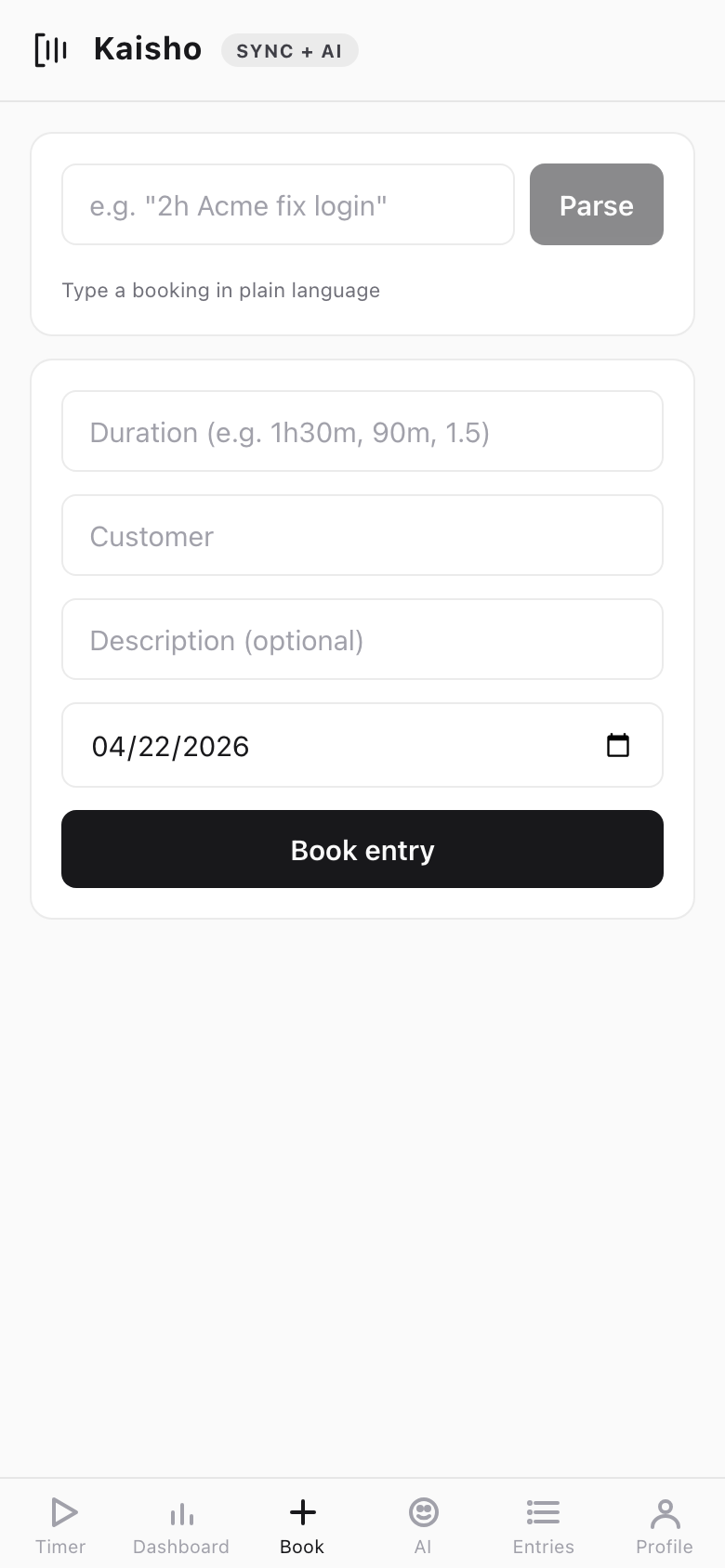
Quick Book
Book time retroactively. Select customer, date, duration, and description.
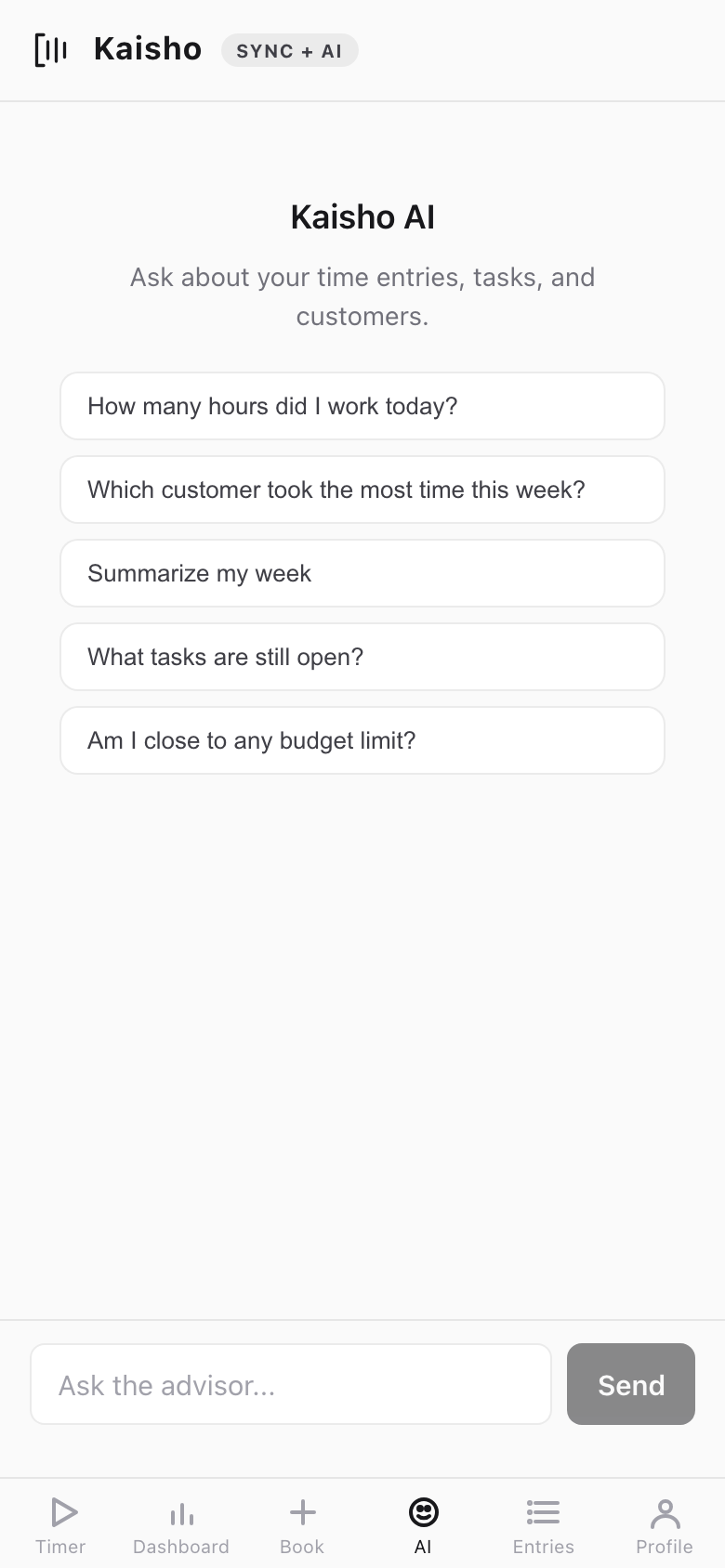
AI Advisor
Ask questions about your time, tasks, and customers. Includes quick-start templates. Requires a Sync + AI plan.
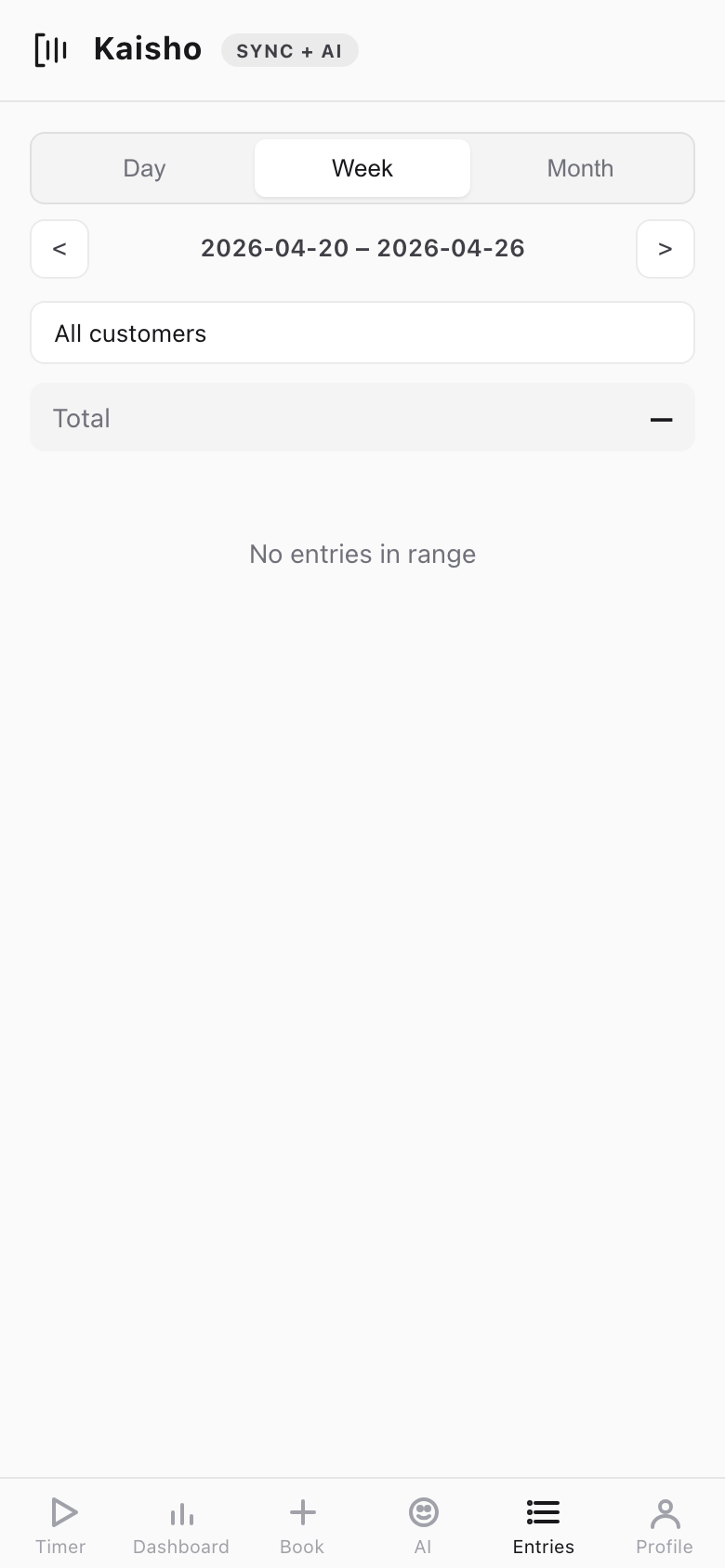
Entries
Browse and edit time entries by date. Tap an entry to edit customer, description, hours, or notes.
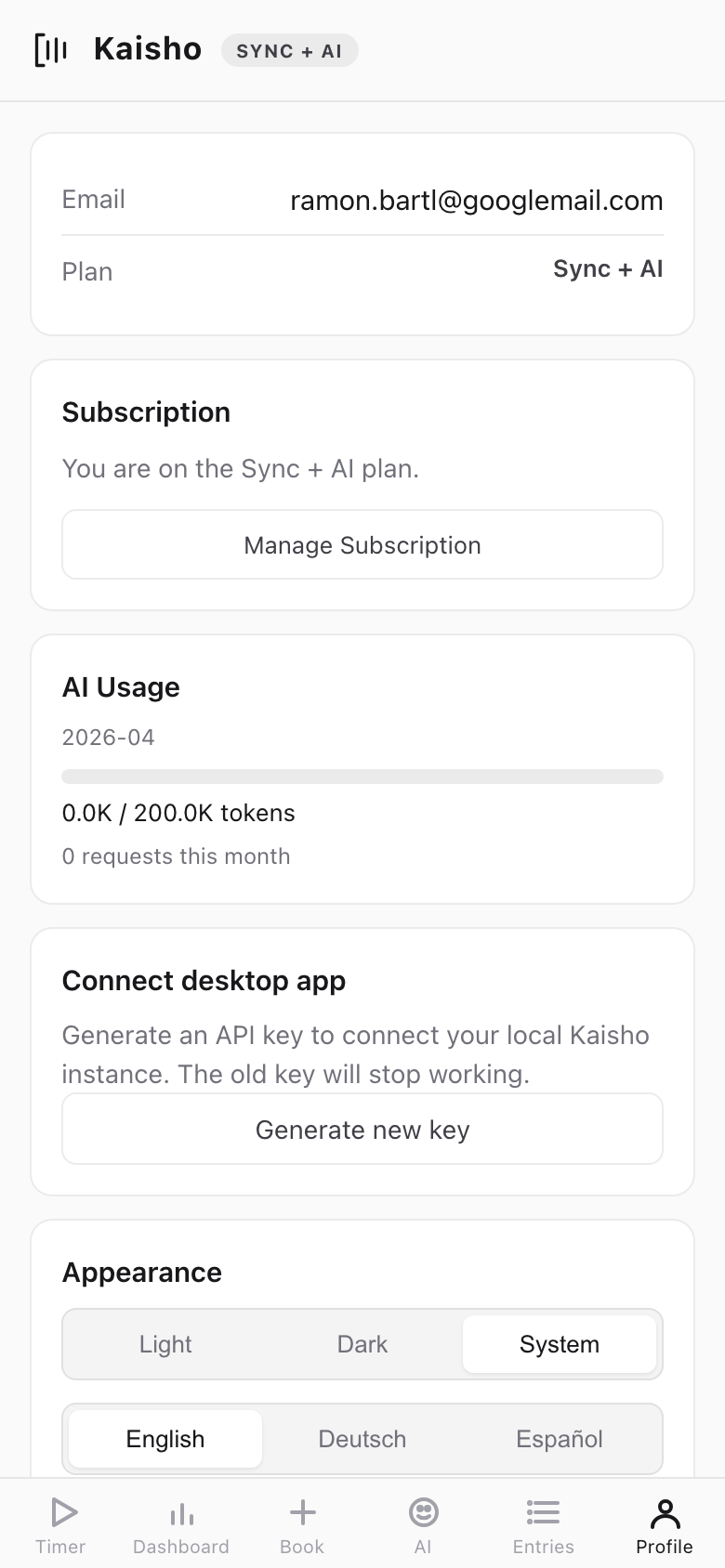
Profile
Account settings, appearance (theme, language), AI token usage meter, and sign-out.
Sync
Changes on mobile sync to the desktop via Kaisho Cloud. Entries created offline queue locally and push when the connection resumes.
Entries without a customer assignment appear in the desktop's Cloud Triage panel for batch assignment.
Language Support
The PWA supports English, German, and Spanish. Switch languages in Profile > Appearance.
Requirements
- Kaisho Cloud subscription (Sync or Sync + AI plan)
- Modern mobile browser (Safari, Chrome, Firefox)
- Desktop app connected to Cloud Sync for bidirectional data flow