GitHub Integration
Kaisho connects to GitHub to show issues and pull requests alongside your tasks and time tracking.
Since 1.5.0
Projects v2 support (the new GitHub Projects API) landed in 1.5.0. The integration now lists project boards alongside issues and PRs.
One token, in Integrations
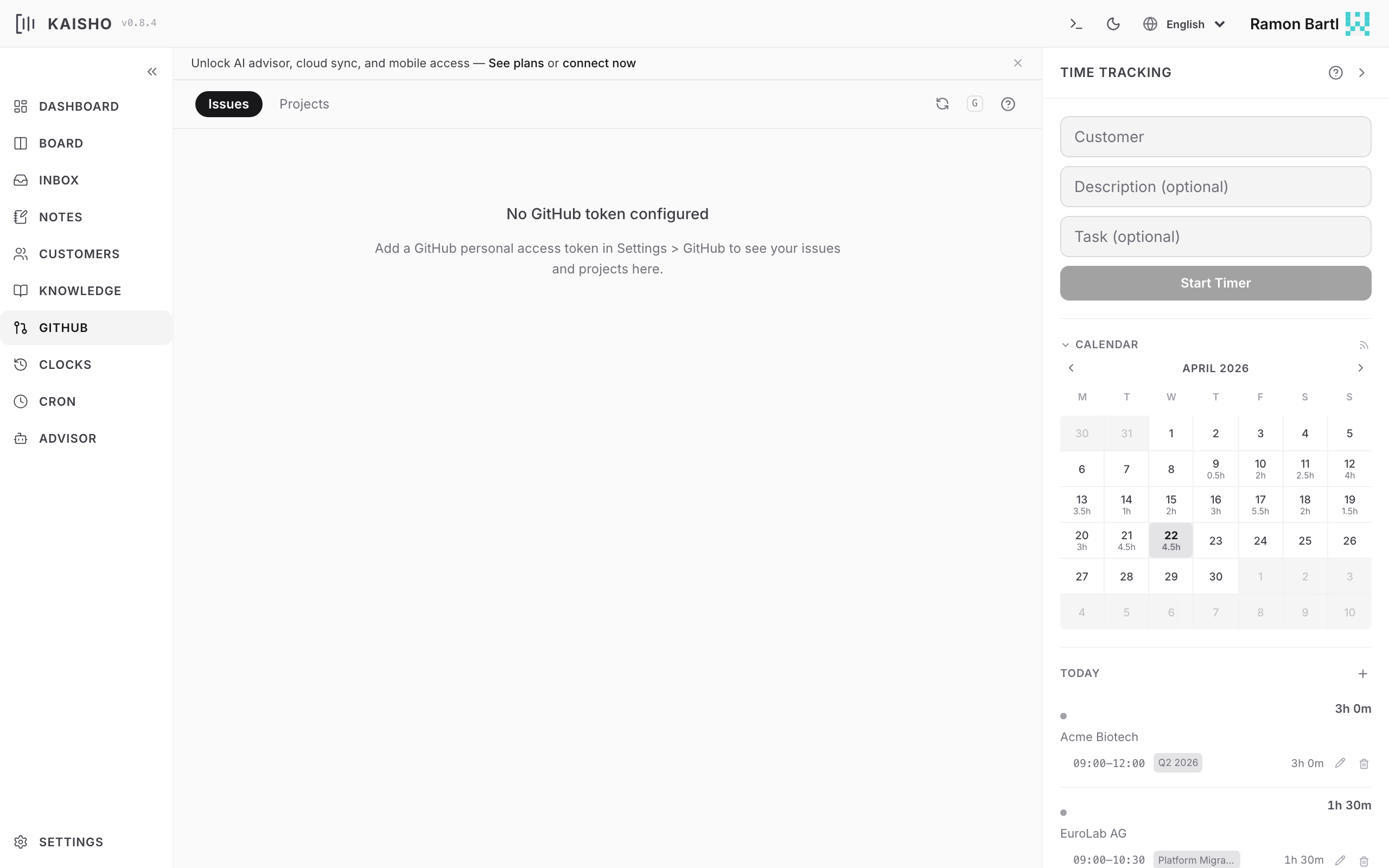
GitHub is the one integration available on every plan. You connect it once under Settings → Integrations, and that single token powers everything:
- the GitHub sidebar view (issues & PRs grouped by customer) and the
kai ghcommands, and - the AI advisor's GitHub tools.
The token is stored locally. Connect the integration on a kaisho-cloud server and the same token is additionally stored encrypted there, so the hosted MCP gateway and the server-side advisor can reach GitHub when the desktop is closed (see MCP Server). Without a server it stays strictly local.
View options (hide the sidebar entry, GitHub Enterprise API URL) live under the connected GitHub row in Settings → Integrations.
Setup
- Create a personal access token with
reposcope (classic token) or fine-grained token with Issues and Pull Requests read access. - Go to Settings → Integrations and paste the token into the GitHub row.
Or edit settings.yaml:
Linking Customers to Repos
Set the repo field on a customer to owner/repo:
Or edit the customer in the UI and fill in the repository field.
Viewing Issues
Open GitHub in the sidebar. Issues are grouped by customer and repository. Labels appear as colored pills.
Filter by customer using the dropdown.
GitHub Projects v2
List items from GitHub Projects across all customers:
All Issues Across Repos
See open issues from all linked repositories at once:
Task-Issue Linking
When creating a task, add a GitHub URL to link it:
kai task add "Acme Corp" "Fix auth bug" \
    --github-url "https://github.com/acmeinc/main-app/issues/42"
The task card shows a clickable GitHub link. The advisor can also create tasks from GitHub issues using the add_task tool.
AI Context
When the Include GitHub toggle is on in the advisor, open issues for your customers are included in the AI context. This lets the advisor answer questions like "What are the open issues for Acme?" without a separate API call.