Notes
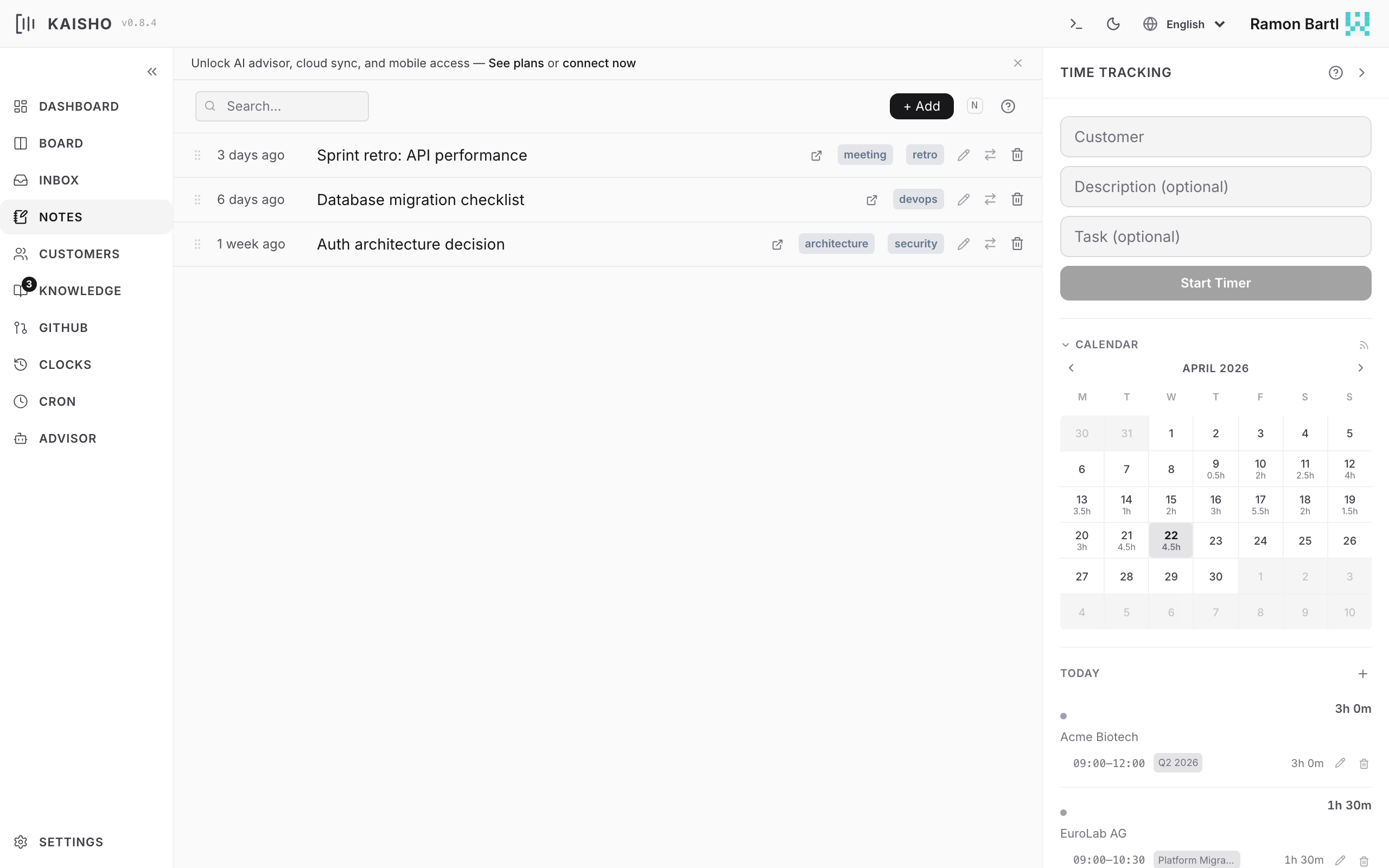
Notes are longer-form entries for meeting minutes, technical decisions, research findings, or anything worth keeping. They can link to customers and tasks.
Creating Notes
Note Fields
| Field | Description |
|---|---|
| Title | Short descriptive name |
| Body | Markdown content |
| Customer | Associated customer (optional) |
| Task ID | Linked task (optional) |
| Tags | Freeform labels |
Browsing Notes
Notes appear as expandable rows. Click a note to see its full content rendered as Markdown.
Markdown task-list checkboxes (- [ ] / - [x]) are interactive in the rendered view: click one to toggle it and the note body is saved. This works the same way for task descriptions, inbox items, and knowledge-base files.
Filter by text search or customer. Notes are drag-reorderable.
Moving Notes
Notes can move to other destinations:
- To task -- creates a task from the note content
- To knowledge base -- saves as a KB file
- To archive -- soft-deletes the note
Use the action menu on each note row, or the CLI:
Linking to Tasks
When a note references a task (via the task ID field), clicking the link badge navigates to that task on the board. This is useful for attaching meeting notes or design decisions to specific work items.