Dashboard
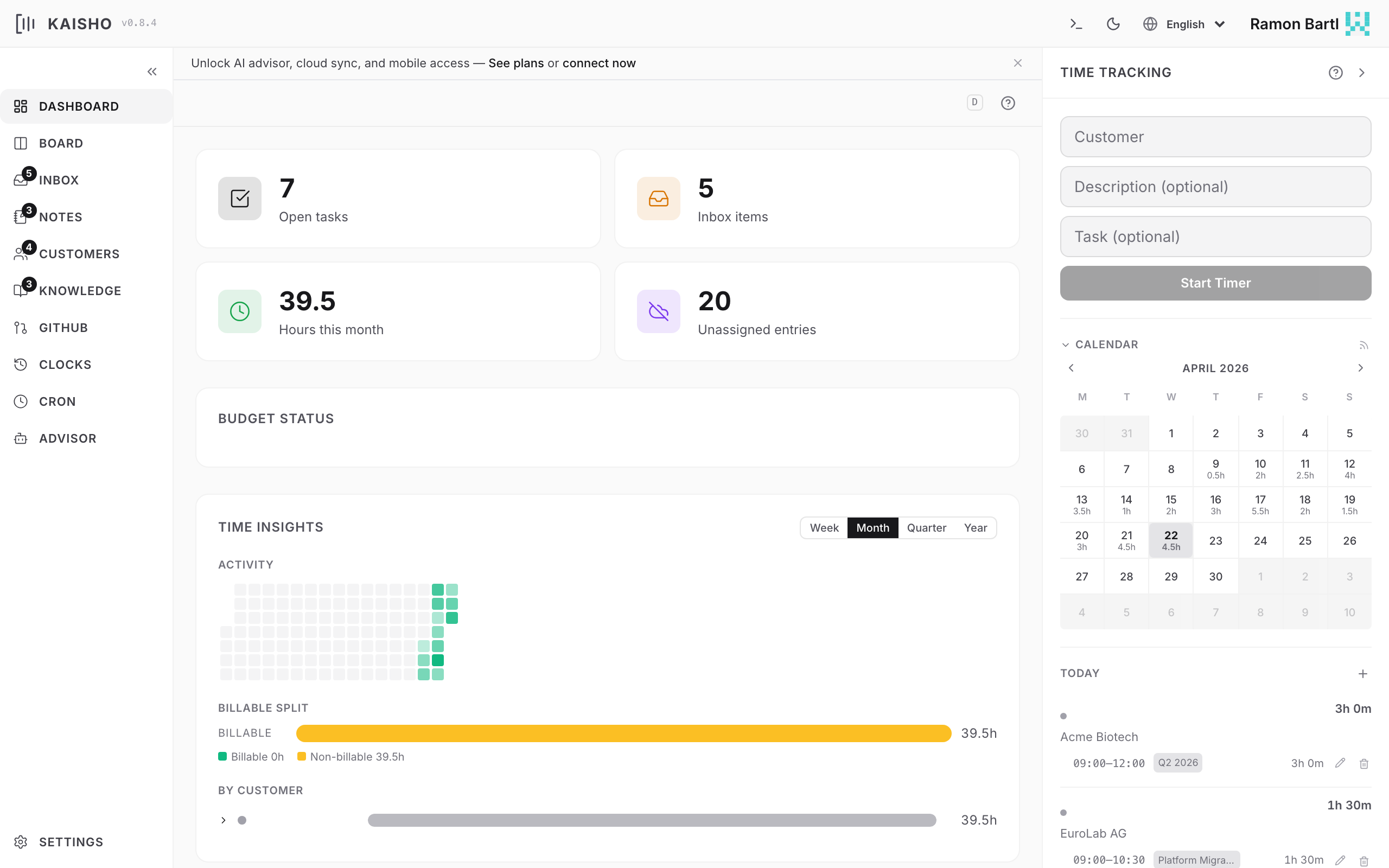
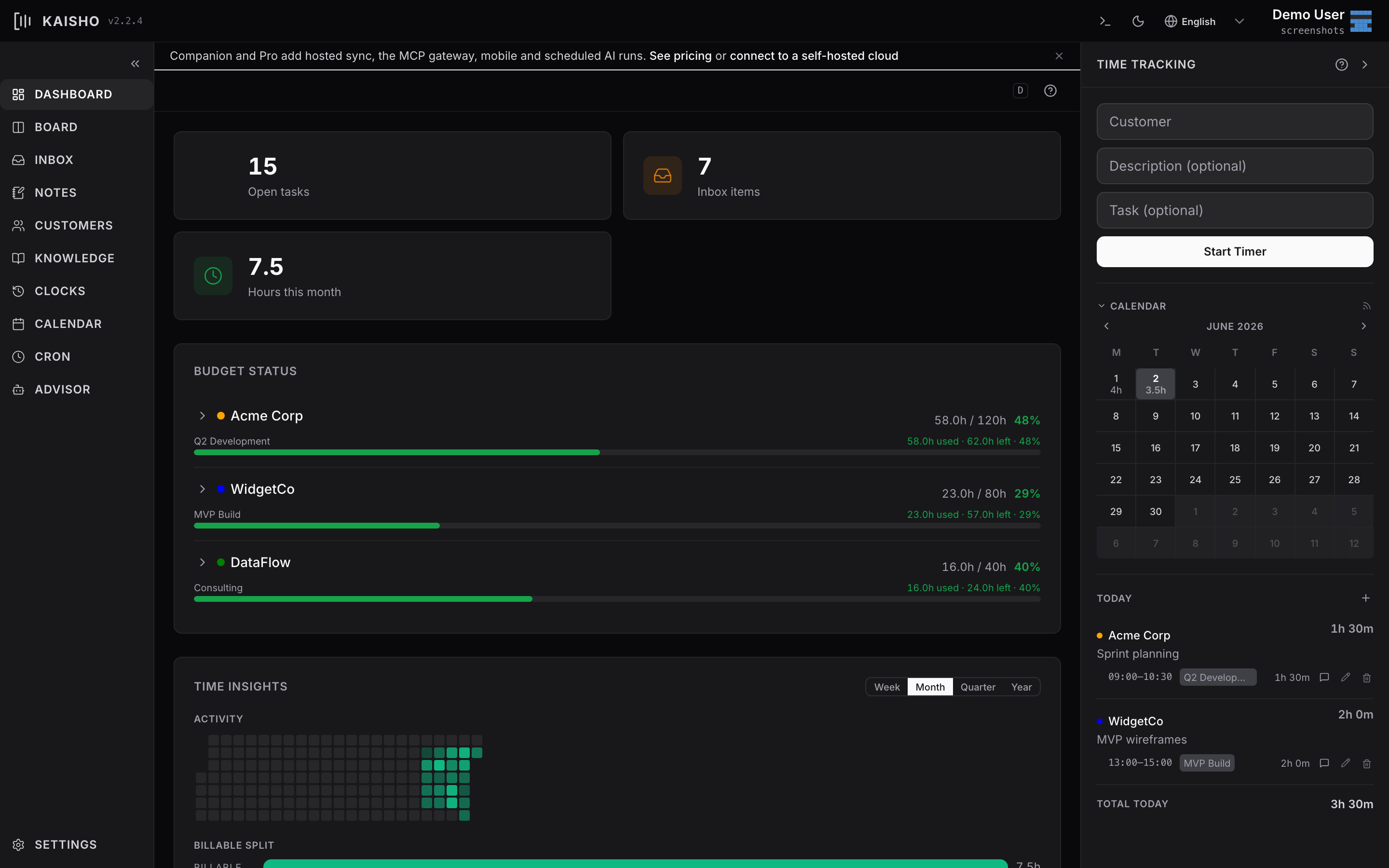
The dashboard is your home screen. It shows at a glance what needs attention: running timers, hours tracked, open tasks, inbox items, and budget status.
Stat Cards
Four cards at the top summarize your current state:
| Card | Shows | Clicks through to |
|---|---|---|
| Open Tasks | Count of non-done tasks | Board |
| Inbox Items | Unprocessed captures | Inbox |
| Hours This Month | Total hours tracked | Clocks |
| Budgets at Risk | Customers over 80% budget | Customers |
Every number is clickable. This is a core principle in Kaisho: any aggregated figure drills down into the entries behind it.
Active Timer
When a timer is running, a banner shows the customer, description, and elapsed time. Click Stop to end it, or click the timer to edit the entry.
Budget Status
The main section lists all active customers with their budget consumption:
- Green bar -- under 80% of budget used
- Orange bar -- between 80% and 100%
- Red bar -- over budget
Click a customer row to expand it. You'll see:
- Individual clock entries for that customer
- Contract-level breakdowns (if the customer has contracts)
- Billable vs. non-billable split
Each expanded entry is editable inline: change the customer, description, hours, or invoiced status without leaving the dashboard.
Time Insights
A chart at the bottom shows your daily hours over the selected period. Hover over a bar to see the breakdown by customer.