Customers & Contracts
Customers are the people or companies you work for. Contracts track budgets and billing for specific engagements.
Managing Customers
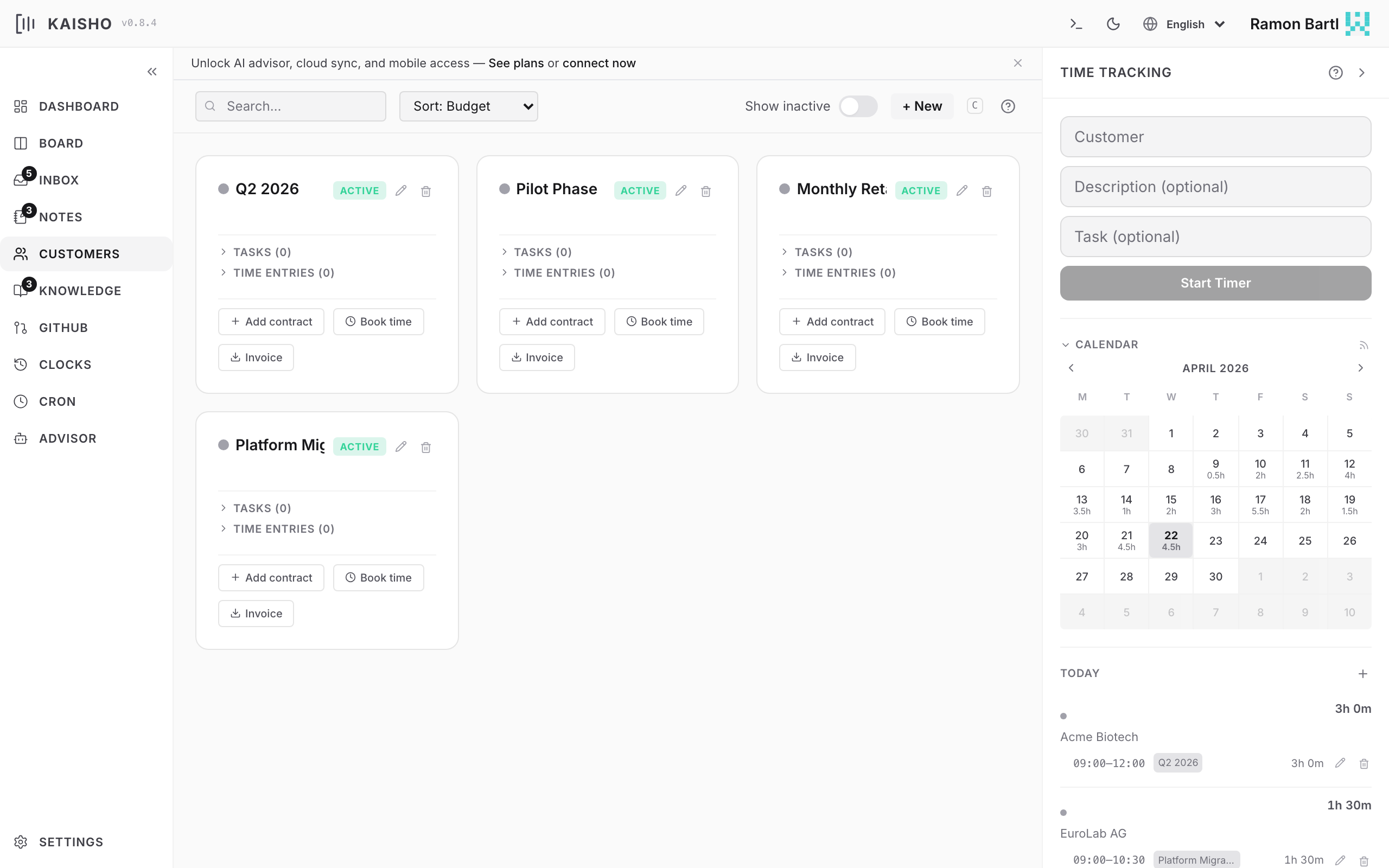
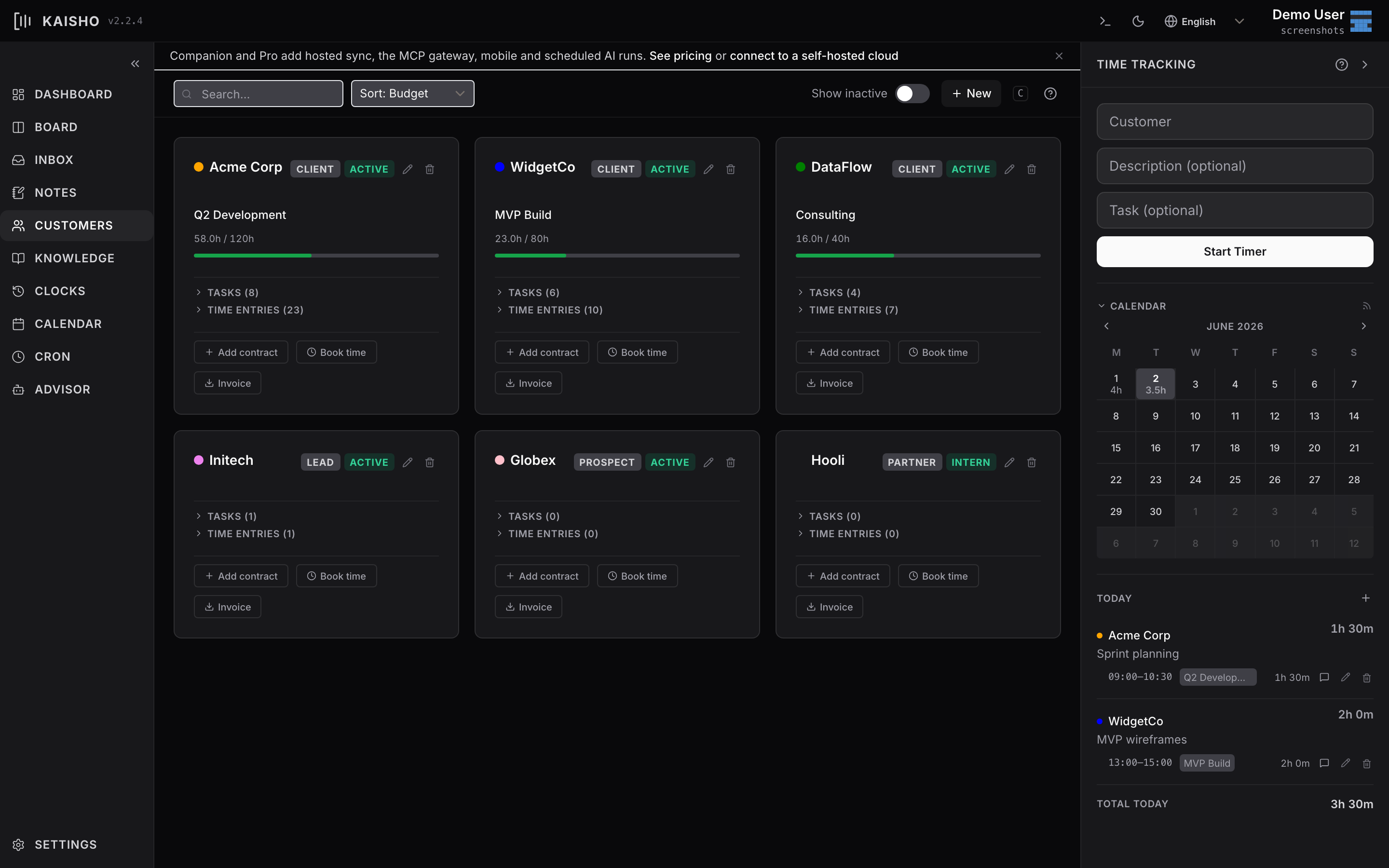
Open Customers in the sidebar. Each customer card shows name, type, status, and total budget usage.
Click Add Customer to create one. Click a card to expand details and contracts.
Customer Fields
| Field | Description |
|---|---|
| Name | Display name (used as identifier) |
| Status | active or inactive |
| Type | Freeform category (e.g., agency, startup, internal) |
| Budget | Total hour budget (optional) |
| Repository | GitHub repo in owner/repo format |
| Tags | Freeform labels |
Contracts
A customer can have multiple contracts. Each contract has its own hour budget, date range, and billing status.
kai contract add "Acme Corp" "Q2 2026" --hours 120 \
    --start 2026-04-01
kai contract show "Acme Corp" "Q2 2026"
kai contract close "Acme Corp" "Q1 2026"
In the UI, contracts appear under each customer card with:
- A progress bar showing hours used vs. budget
- Billable and invoiced totals
- Start and end dates
Budget Tracking
Budget tracking connects customers, contracts, and clock entries:
- You book time to a customer (and optionally a contract)
- The dashboard shows budget consumption per customer
- Contract views show hours used vs. budget
When a customer exceeds 80% of their budget, they appear in the Budgets at Risk stat card on the dashboard.
Budget Summary
This shows all customers with their total budget, used hours, and remaining capacity.
Linking to GitHub
Set the repo field on a customer to connect their GitHub repository. This enables:
- Viewing issues in the GitHub panel filtered by customer
- Linking tasks to GitHub issues
- AI advisor context includes open issues for the customer