AI Advisor
The advisor is a context-aware AI assistant built into Kaisho. It knows your tasks, time entries, customers, notes, and inbox. Ask it questions in natural language, and it uses tool calling to read and write your data.
Since 2.2.0
The advisor's tool roster and the rule system that governs when it will act (read-only by default, opt-in writes, budget-aware suggestions) were overhauled in 2.2.0. The KB summary and chat-over-document features arrived earlier in 1.5.0.
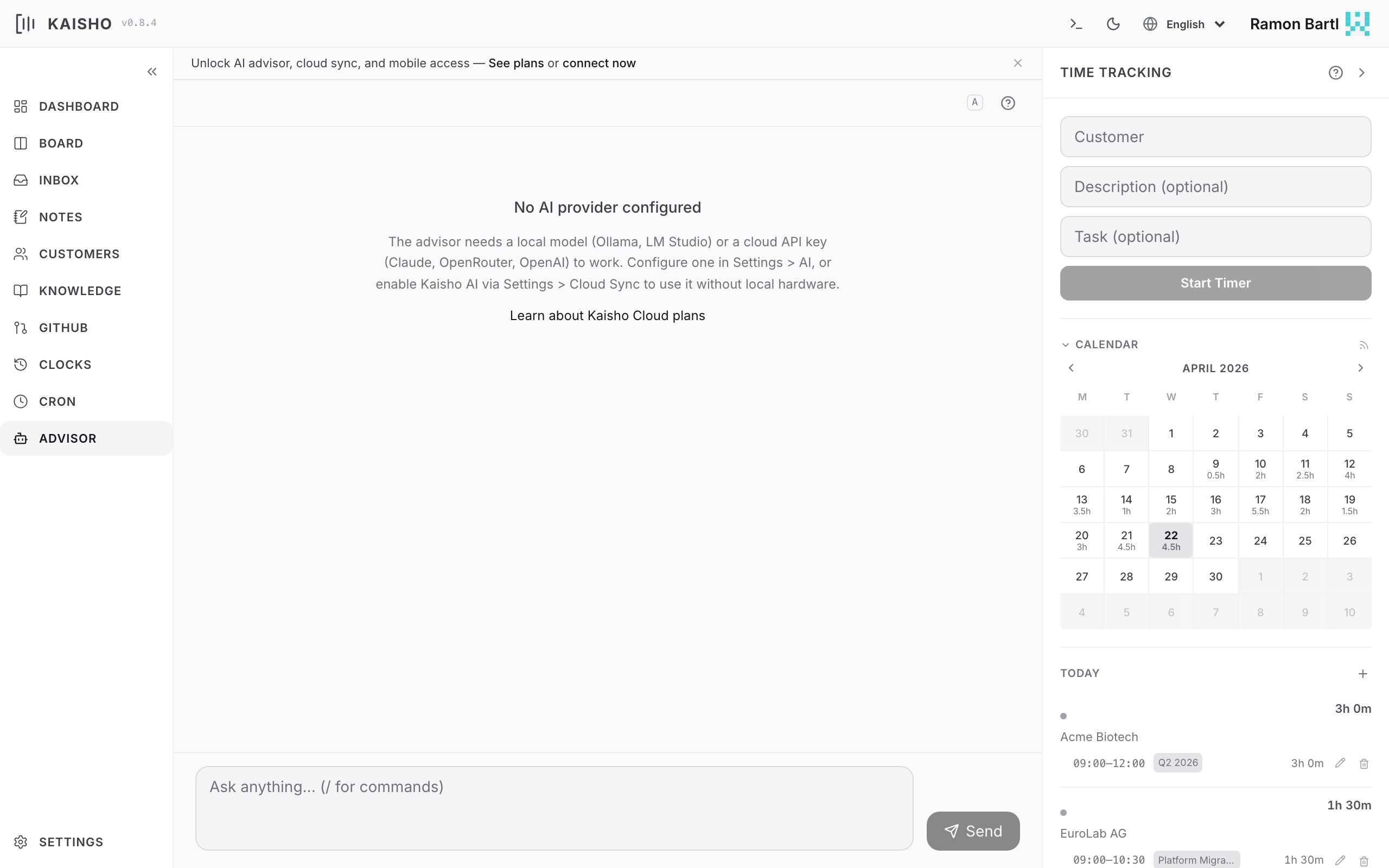
Asking Questions
Open Advisor in the sidebar. Type your question and press Enter. Responses stream in real time.
Quick-start templates are available for common queries:
- "What should I focus on today?"
- "Which customers are close to their budget limit?"
- "Summarize my week"
- "What are my overdue tasks?"
How It Works
When you ask a question, the advisor:
- Gathers context: open tasks, this month's clock entries, inbox items, customers with budgets, and optionally GitHub issues.
- Sends your question plus context to the configured AI model.
- The model can call tools to read more data or take actions (start a timer, create a task, add an inbox item, etc.).
- The response streams back as Markdown.
The advisor supports multi-turn conversation. Follow-up questions include the previous exchange as context.
Available Tools
The advisor has access to 40 tools covering every domain:
| Category | Tools |
|---|---|
| Tasks | list, add, update, move, archive, set tags |
| Time | start/stop clock, book time, update entries, batch invoice |
| Customers | list, get budgets, list contracts |
| Inbox | list, add items |
| Notes | list, add, update, delete |
| Knowledge | search, read files, write files |
| GitHub | list issues, list projects |
| Cron | list jobs, trigger jobs |
| Research | web search, fetch URLs, YouTube transcripts |
| System | list profiles, create backups, time insights |
Workspace Integrations
When you connect an integration in Settings > Integrations, its tools are added to the advisor automatically, so you can ask things like "what's on my calendar tomorrow?" or "post a summary to #standup":
| Integration | Tools |
|---|---|
| Google Calendar | list events, free/busy, create event |
| Slack | list channels, search messages, post message |
| Linear | list teams, list/get/create issues |
| GitHub Projects | list projects, list items, create draft |
The credentials live on your kaisho-cloud server and the calls run server-side, so the advisor never sees your tokens. Only the integrations you have actually connected appear.
Model Selection
The advisor model is configured in Settings > AI. You can change it per conversation in the UI using the model badge.
Supported providers: Ollama (local), Ollama Cloud, LM Studio, Claude, OpenAI, OpenRouter, and Kaisho Cloud AI.
See AI Providers for setup instructions.
Personality
The advisor's personality is shaped by two files in your profile directory:
- SOUL.md -- tone, behavioral rules, response style
- USER.md -- context about you (role, workflow, priorities)
Edit these in Settings > Advisor Files or directly:
Conversation Actions
- Copy to inbox -- click the inbox icon on any assistant response to save it as an inbox item
- Clear history -- start a fresh conversation
- Include GitHub -- toggle whether GitHub issues are included in the context
Conversation History
The UI persists conversation history in the browser. An unread badge appears in the sidebar when there are new responses (e.g., from background queries).
Using Kaisho from Claude Code
Since 0.9.0
The same 40 tools available to the built-in advisor are also accessible from Claude Code, Claude Desktop, and Cursor via the MCP Server.
Add mcpServers to ~/.claude.json (global) or .mcp.json (project root):
{
  "mcpServers": {
    "kaisho": {
      "command": "kai",
      "args": [
        "mcp-server",
        "--profile", "org-mode",
        "--allow", "read,write"
      ]
    }
  }
}
Restart Claude Code, then ask naturally:
- "What tasks do I have open for Acme?"
- "Start a clock for Beta Inc, working on the API"
- "How many hours did I bill this month?"
- "Add an inbox item: check SSL cert renewal"
- "Search my knowledge base for deployment notes"
Claude Code calls Kaisho's tools behind the scenes. You work in your editor and Kaisho is just there -- no tab switching, no copy-paste.
Change --profile to match your active profile name. Use --allow read for read-only access or --allow destructive for full access including deletes.
See MCP Server for detailed setup, all available tools, and security configuration.